NEW: AI Agents + Better Proposals
We know many of you already use AI to help with your proposals. You have a tool you like, you’ve figured out how to get useful results from it, and it’s become part of how you work.
We wanted to make it easier to bring that work into Better Proposals. You can now connect tools like Claude, Cursor, and Antigravity directly to Better Proposals and ask them to work with your account.
That includes finding documents, answering questions across your proposals, creating new documents from templates, and updating pricing. Here are a few ways you can use your AI agent with Better Proposals.
Revisit deals that never got over the line
Some proposals go quiet without getting a firm no. The client might have put the project on hold or simply had other priorities. Your AI can help you find where you left off.
You can ask it to look through older proposals, exclude anything already signed or paid, and pull together the details you need to pick those conversations back up.
For example:
"Find proposals sent more than six months ago that haven’t been signed or paid. Include the company, amount, send date, and contacts."
Or, if you’re catching up with a particular client:
"Show me the proposals we’ve sent to Acme this year and check which ones have been signed or paid."
From there, you can review the offer and decide which deals are worth another conversation.
Get data across your account
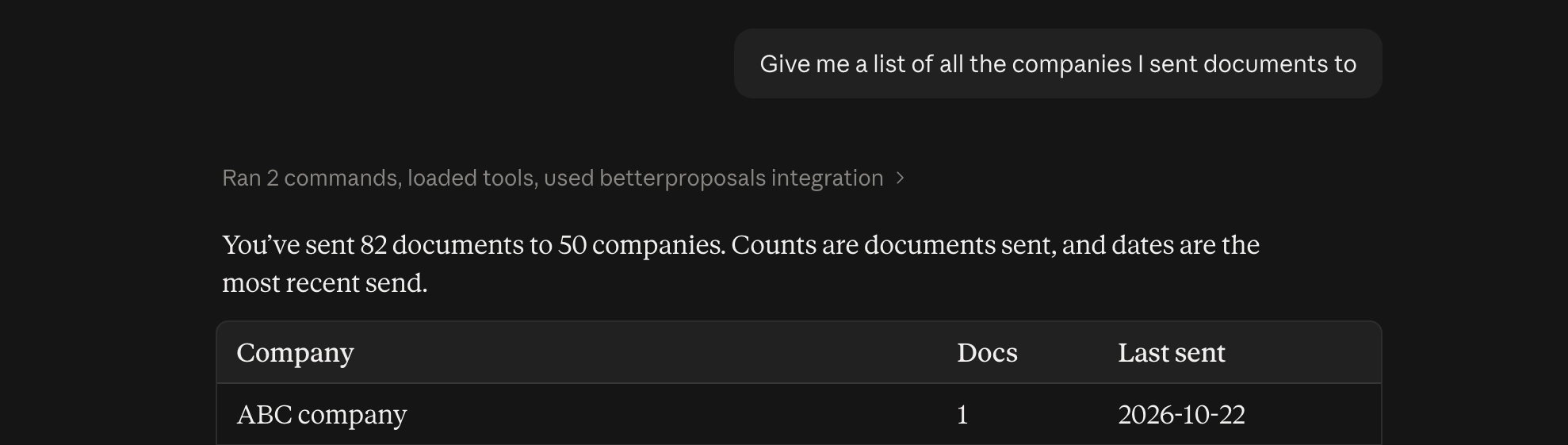
You can also ask your AI to pull together figures, group documents by company, or look for duplicate records. It can work through information that would otherwise take several searches and a spreadsheet to bring together.
For example:
"Add up the value of proposals we sent last month, grouped by company. Keep different currencies separate."

Keep your account organized
Your AI agent can help you organize your documents by creating custom document types, assigning them based on criteria you specify, and adding notes to multiple documents at once.
For example:
"Create a document type called 'Test' and assign it to all documents with the word test in the title. "
Or:
"Add the note 'Claude' to every document you create going forward."
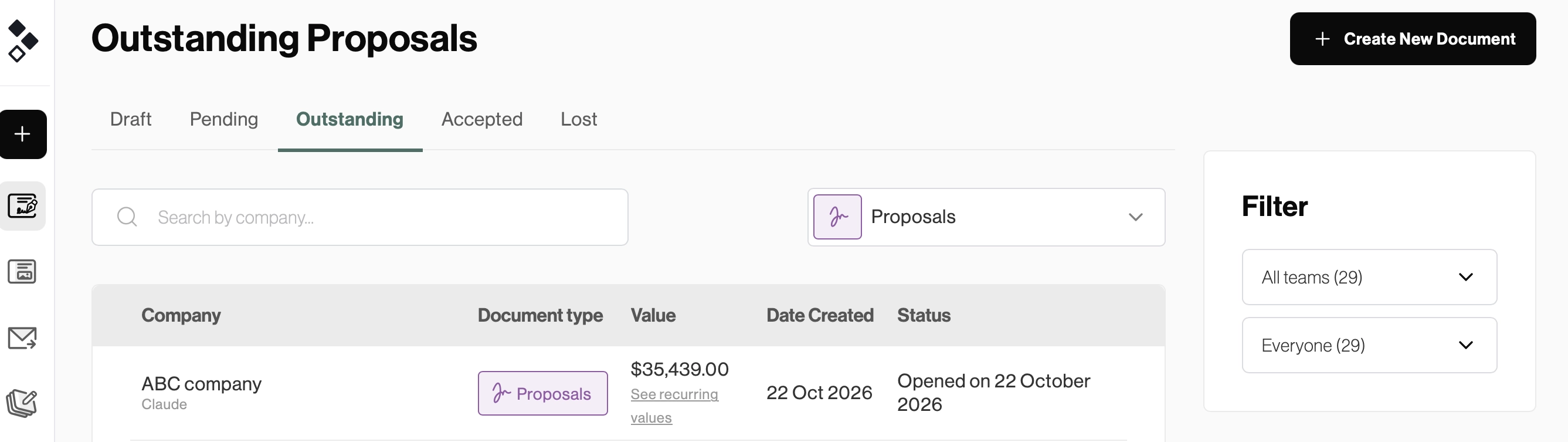
You can also add notes to documents for a specific company, whether you need to record a client preference or keep track of something your team should know:
"Add a note to every document for ABC Company saying 'contact after 10 am'."
Get a new proposal set up
When you’re ready to create a proposal, tell your AI which company it’s for and which template to use. It can create the document and set its details, including the cover, brand, currency, tax, contacts, merge tags, and document types.
For example:
"Create a proposal for ABC Company using our website redesign template. Use USD as the currency."
If you’re not sure which template to use, you can ask it to list your templates first.
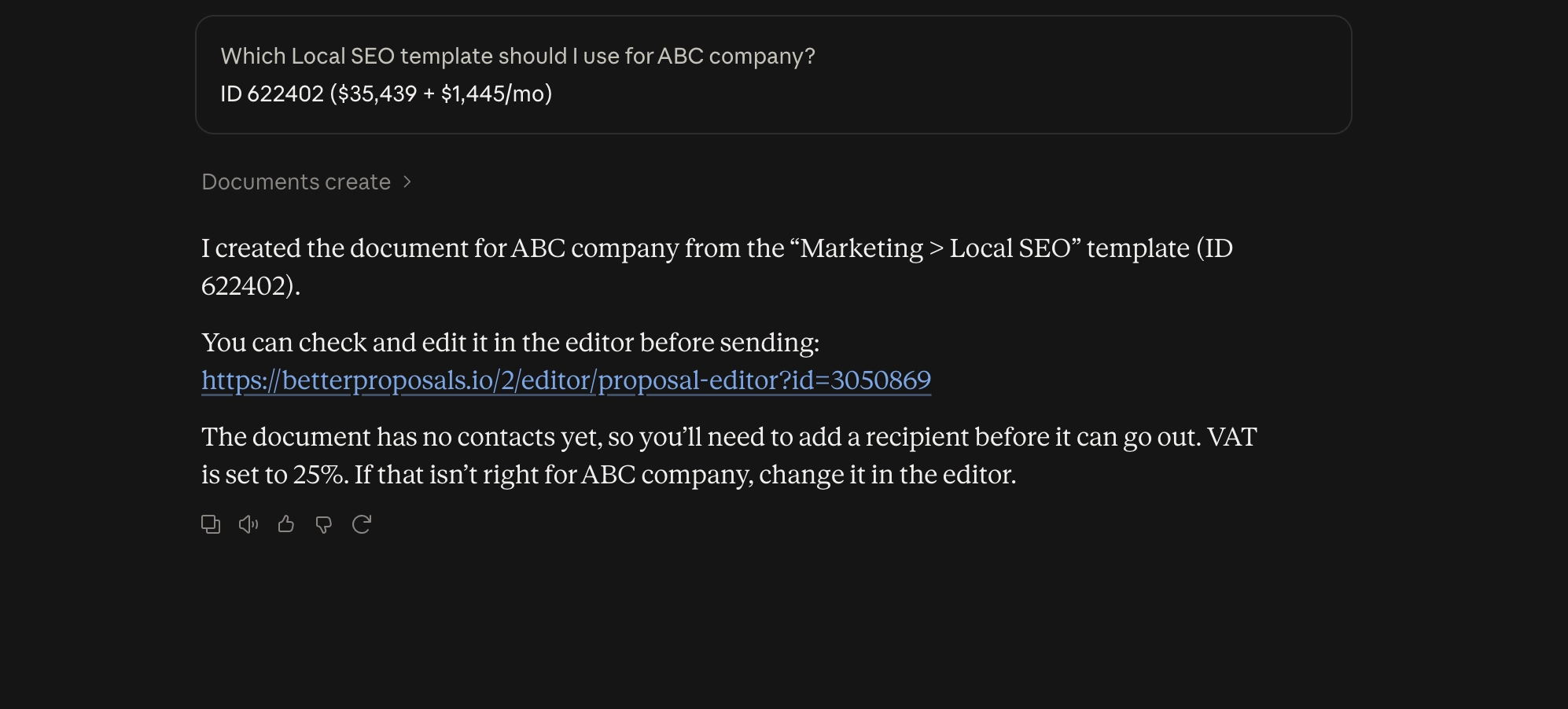
The document is created in Better Proposals, and your AI can give you a link to open it in the Editor. From there, review the content and make the changes needed for that client.
Add, update, or analyze pricing
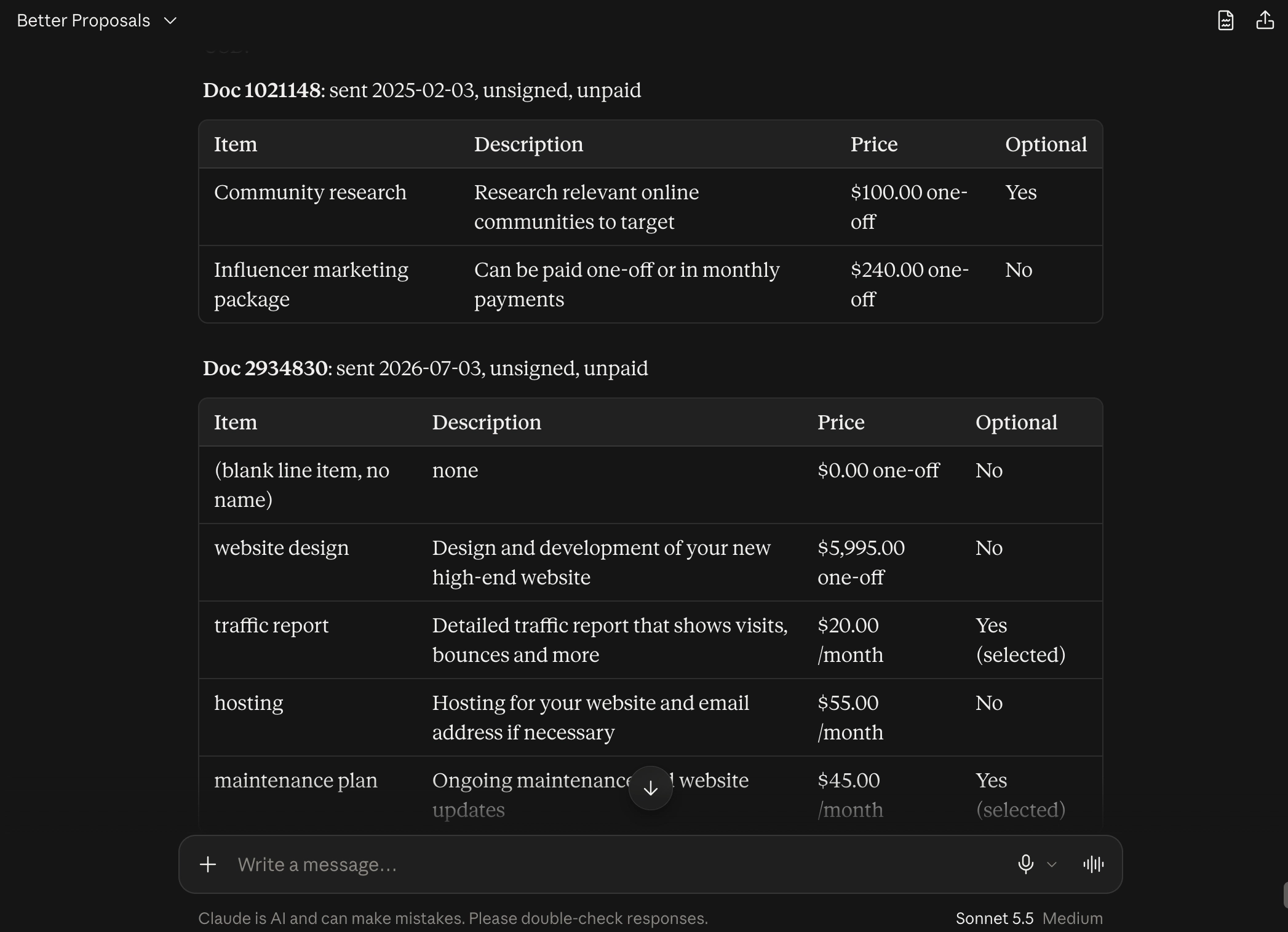
Your AI can also work with pricing tables and line items. That includes quantities, unit costs, optional items, and recurring charges.
You could ask:
“In the ABC Company proposal, change the quantity for the training sessions to three, at $250 per session. Leave the other items as they are.”
Or:
“Find the documents I created for Really Big Corporation and give me the line items inside the pricing tables along with their names, descriptions, and pricing.”
Generate links for your recipients
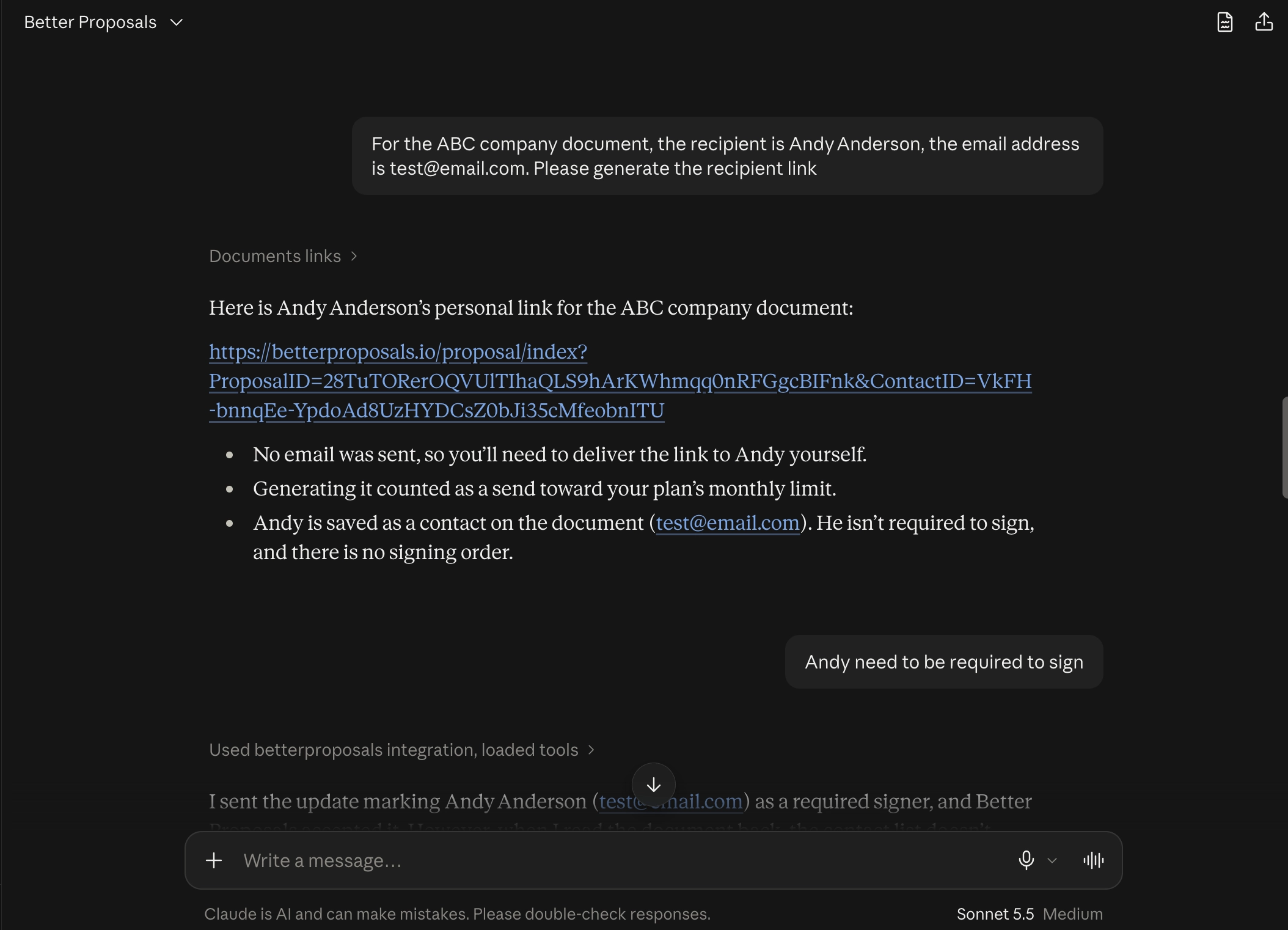
If you want to deliver a proposal through your own email or another channel, your AI can generate links for each recipient. It can also set which recipients are required to sign.
For example:
"Generate a recipient link for each contact on this proposal, with Alex as the required signer."
Generating these links counts as a send towards your plan’s monthly allowance. It doesn’t send an email to the recipients, so you’ll need to share the links yourself.
Connect the AI tool you already use
The connection works through our CLI and MCP server. In plain English, these give your AI tool a way to access your Better Proposals account and carry out the actions you request.
You’ll first need to install the Better Proposals CLI, then log into your account and run the command to connect to your AI agent. Once you restart your AI app, you can open a conversation and ask:
"List the templates in my Better Proposals account."
It’s a simple first request to check that everything is connected before moving on to documents and pricing.
Getting started
The integration is available on paid Premium and Enterprise plans. Head to Integrations in your account for the installation and connection instructions.
We’d love to hear how you use it and what you’d like to be able to do next. And if you need a hand getting connected, send us a message through live chat. We’re happy to help.