New and Improved: The Template Marketplace
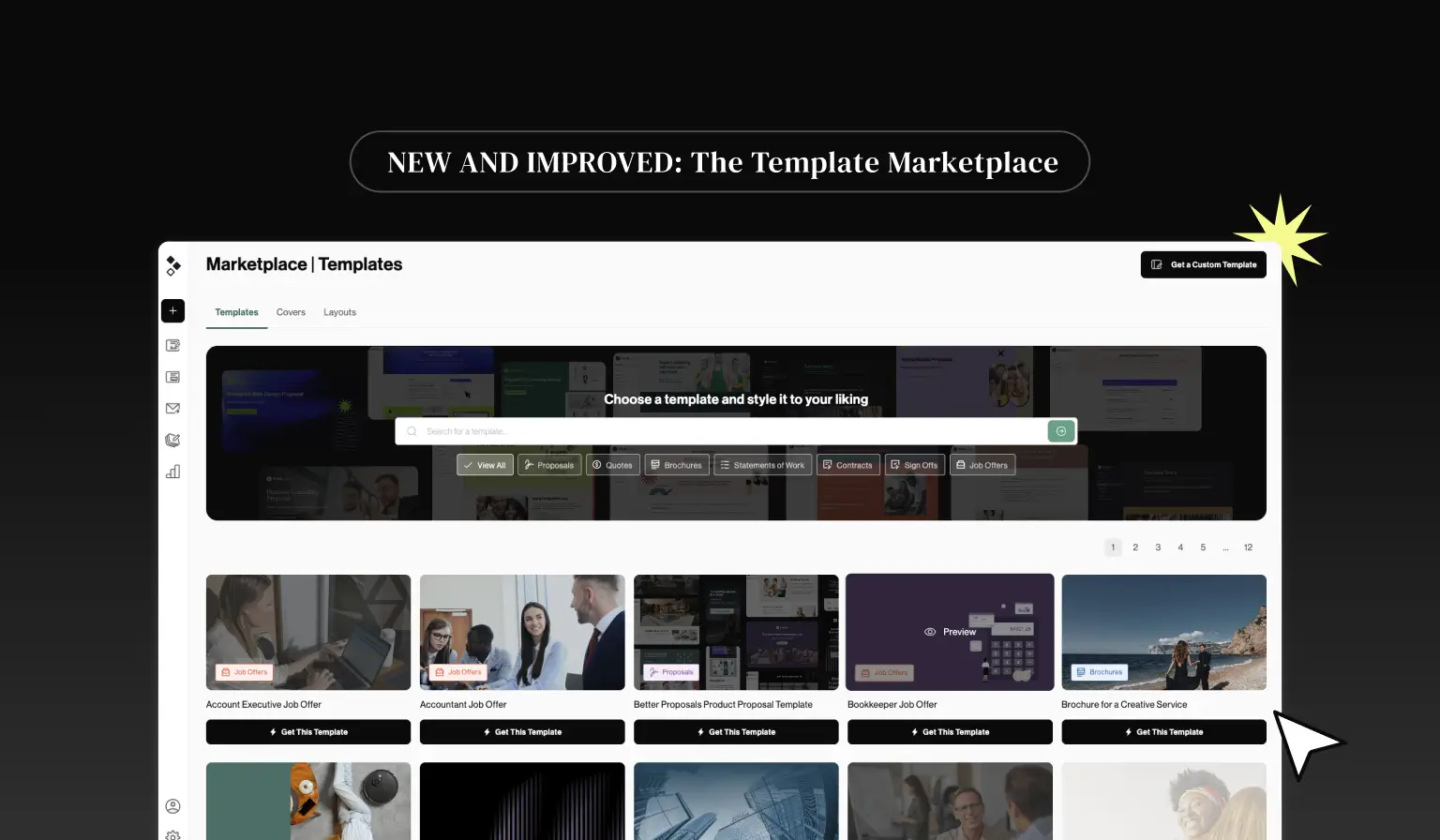
Our Template Marketplace has been giving you a head start with your documents for years. It was due for an update, so we've given it a fresh look and added more ways to turn a blank page into a finished proposal.
Whether you need an entire template or just a finishing touch, here’s what’s changed.
Compare templates at a glance
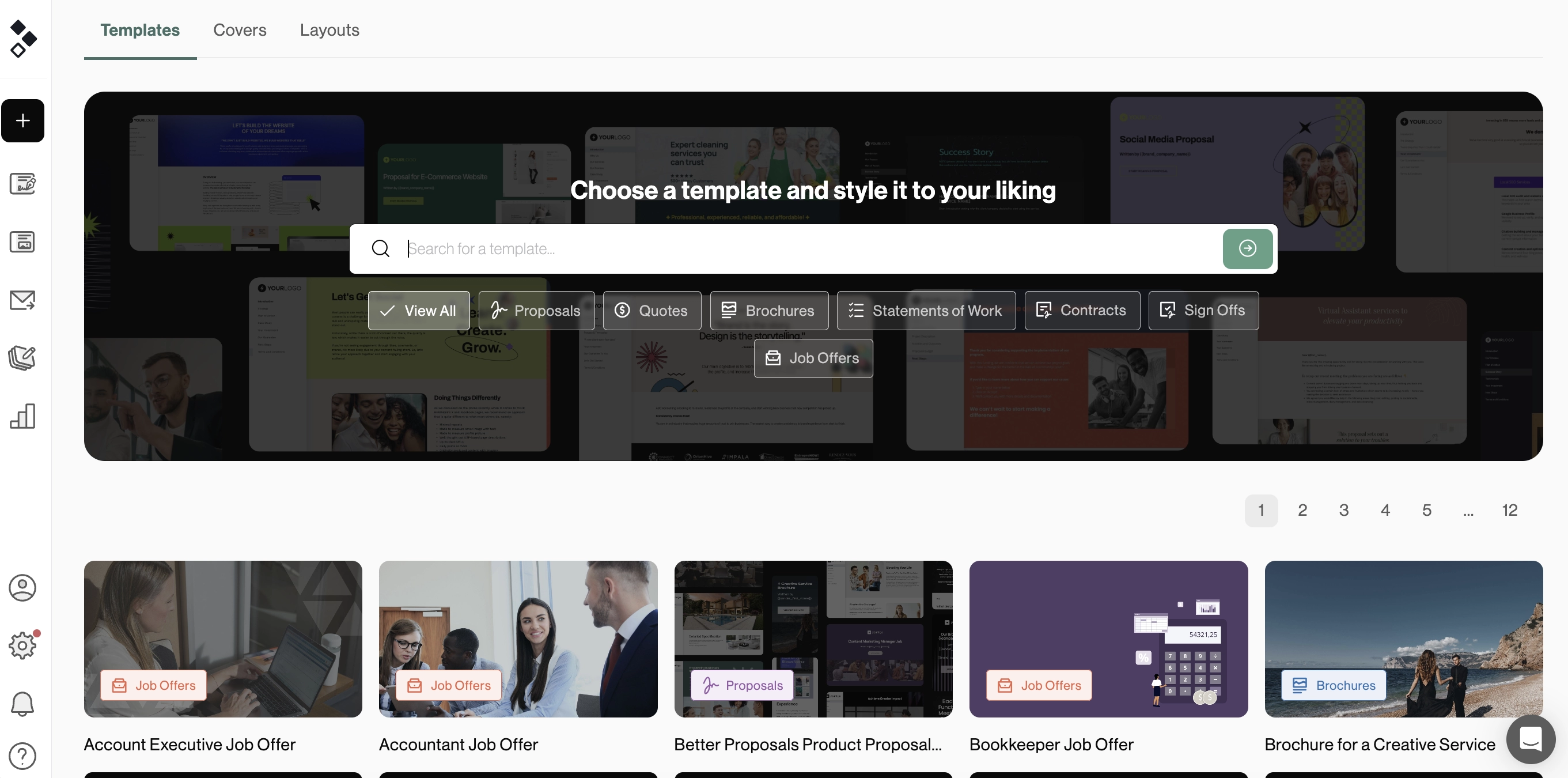
Templates now have thumbnail previews, so you can get a feel for the design as you browse the Marketplace.
If a template catches your eye, simply click on it to take a closer look at what's inside. It makes finding the starting point for your next proposal that much easier.
Just need a cover?
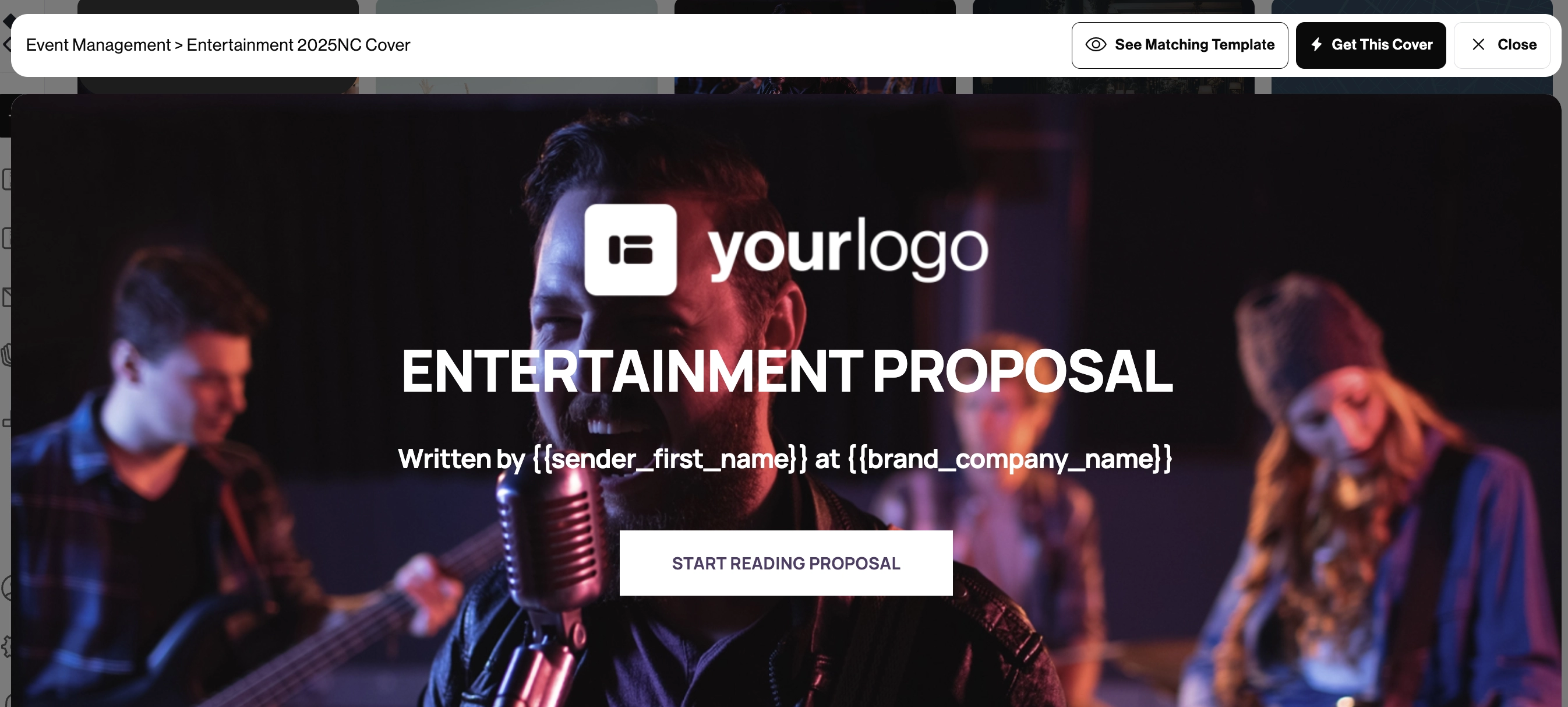
Sometimes you spot a cover you love, but don’t need the rest of the template. Previously, you had to add the entire template to get it, even if you already had your content exactly how you wanted it.
Now, you can add just the cover on its own. See all the designs in the Marketplace and choose one to use with your next document.
Pre-built layouts for your content
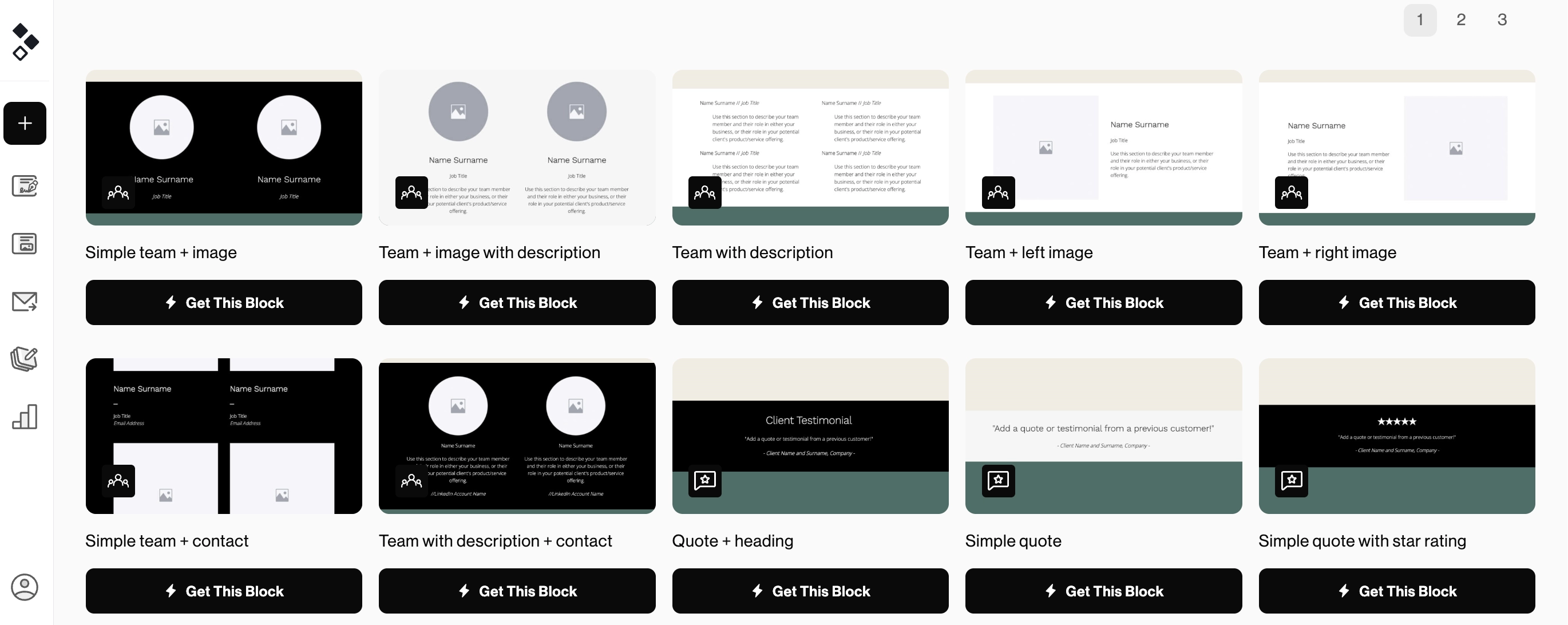
Know what you want to say, but aren’t sure how to present it? Our pre-built layouts give you somewhere to start. You can still add these through the Editor, but now you can also browse them in the Marketplace and add them to your Content Library.
Choose an entire section if you need a larger layout to work with, or an individual block for a smaller addition. Once you’ve added it to your Content Library, you can edit it from there. Add your own text and images, change the colors and backgrounds, and adjust the design to suit your brand.
The next time you need it, simply insert it into your template or document.
Take a look around
Whether you’re starting from scratch or adding to a document you’ve already built, the redesigned Marketplace gives you more ways to get it ready. Head to the Template Marketplace to explore the templates, choose a cover, or find a layout for your next proposal.