How to Make the Most of Your Better Proposals Trial
You sign up, you get access, and the first thing you do is open the editor and try to rebuild the proposal you already have.
It makes sense. You know that proposal. You've sent it a hundred times. If you can get it to look the same in here, you'll know the tool works.
The problem is, that's not really a trial. That's a stress test of your patience, and it's the reason most people run out of time before they've seen what Better Proposals actually does.
The goal isn't to rebuild what you already have. It's to see what's possible when you stop starting from a Word doc.
Set up your brand settings first
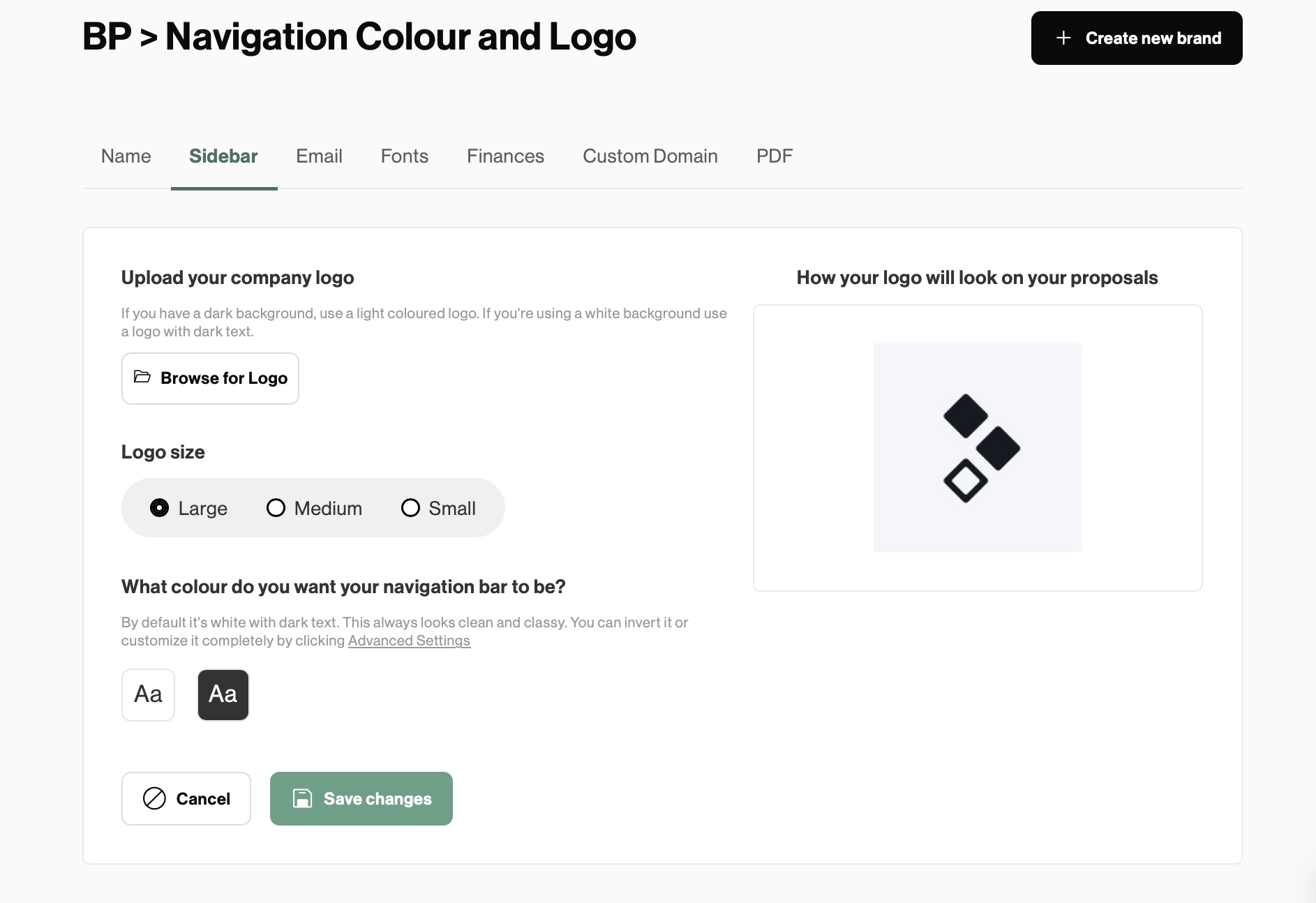
Before you send anything, spend five minutes in brand settings. This is where you add your company name, logo, brand colors, default currency, and the email text that goes out with every proposal.
It matters more than it sounds. A template looks like a Better Proposals template until your branding is applied to it. Once it is, it looks like yours. That's the difference between previewing a feature and actually seeing what your proposals could look like.
Set this up once and it carries across everything you create from that point on. Five minutes now means every template you touch afterwards already looks the part.
Start with a template, not a blank page
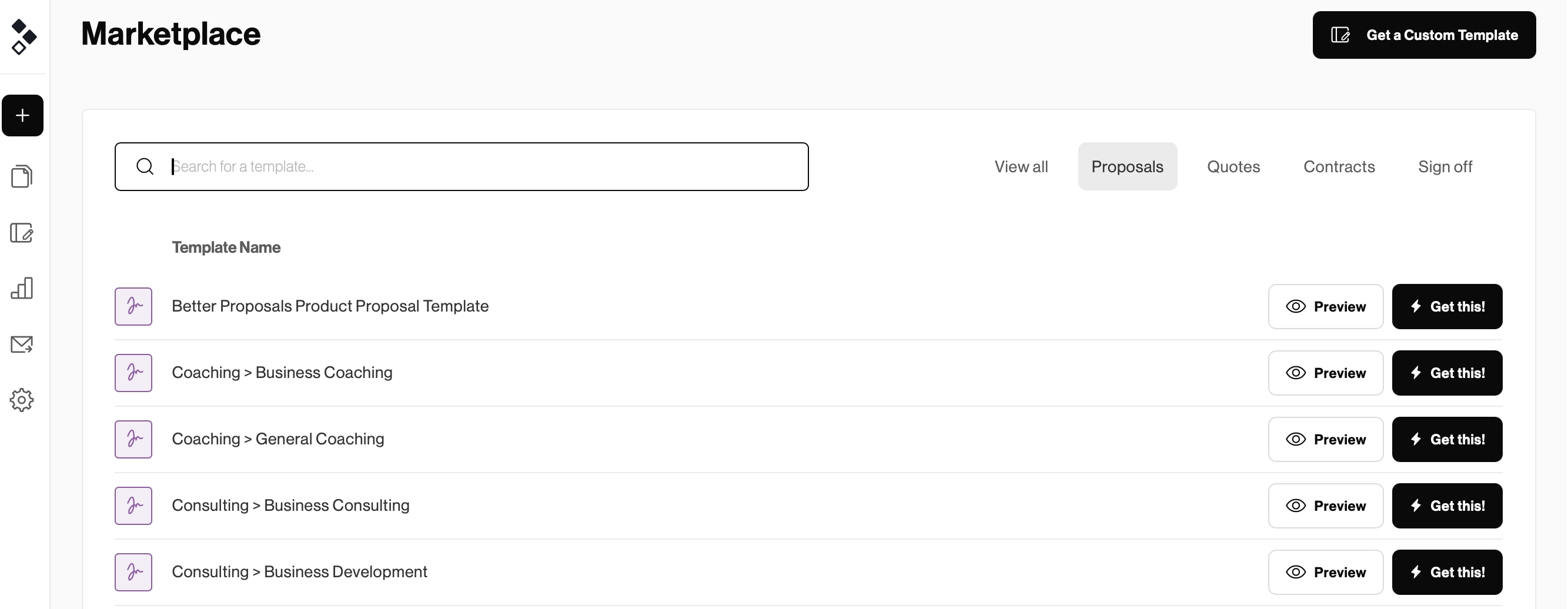
Better Proposals has over 260 premade templates, organized by industry and fully customizable. They cover everything from marketing retainers to web design projects to consulting agreements.
The point isn't to find one that fits perfectly. It's to find one that's close, and customize it from there. The design is already done. The structure is already there. You're filling in your content, adjusting the colors, making it yours.
That's a real proposal in a fraction of the time it would take to build one from scratch. And more importantly, it shows you what a Better Proposals document actually looks like when it's done well, before you've had to make any decisions about structure or layout yourself.
Start here on day one, send something by day two. That's the trial working the way it's supposed to.
If you have a Word doc, use the importer
Here's the thing about trying to rebuild your existing proposal inside Better Proposals: you don't have to do it manually.
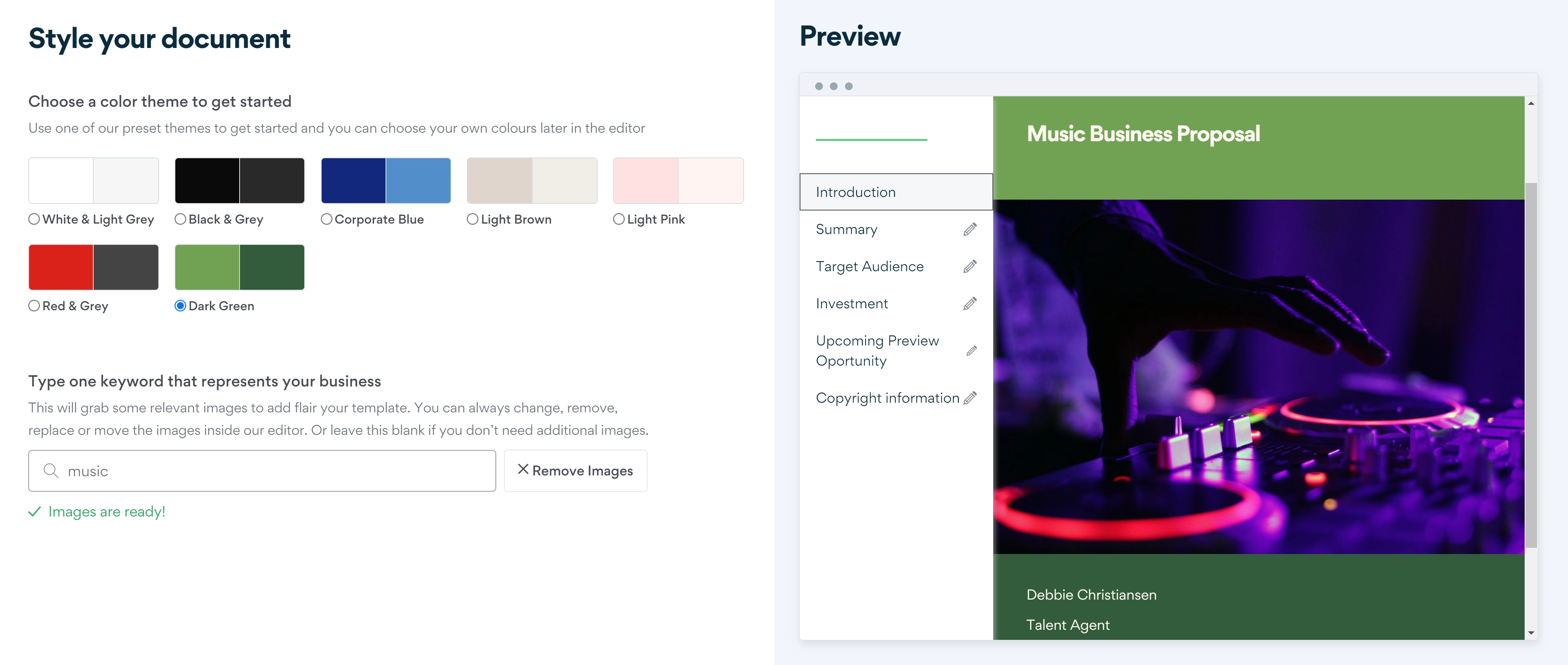
The Document Importer lets you bring in your Word document, text, images and all, and then guides you through turning it into a proper Better Proposals template. You work through sections, content blocks, color scheme, and structure. It's not a one-click conversion, but it gets you from a Word doc to a working template faster than starting from scratch.
Think of it as the bridge between what you had and what you're building. Use it to get your content in, then use the trial to make it better than it ever looked in Word.
What to actually do with your 14 days
The biggest sign that a trial is going well is simple: you've sent a real proposal to a real client.
Not a test. Not a preview you emailed to yourself. An actual proposal, to an actual person, for actual work you're trying to win.
Here's why that matters. The moment you send a real proposal, everything becomes concrete. You see what your client receives. You see how it looks on their end. You can check your analytics and see when they opened it, how long they spent on each section, and whether they've come back to look at it again.
That information changes how you think about proposals. It's hard to go back to sending a PDF attachment after you've seen exactly what your client did with your document.
A few things worth testing before your trial ends:
- Send a proposal using a template. See how fast the process is when you're not building from scratch.
- Check your analytics after sending. Open rates, time spent, section views. Get familiar with what the data tells you.
- Set up an onboarding flow. Decide what happens after your client signs. Even a simple next step makes the experience feel complete.
- Try Nudge. Set up a campaign on a proposal you sent so you know when to follow up and when to hold off.
None of these take long. All of them show you a part of the product that most trial users never get to.
No credit card, no pressure
Better Proposals doesn't ask for your card details when you sign up. Your trial runs for 14 days with full access to the Premium plan features, and nothing happens automatically when it ends.
That's a deliberate choice. A trial should feel like a trial, not a countdown to an accidental charge.
If you need more time, reach out. It happens, and it's not a problem.