85%
of proposals sent through Better Proposals get opened by the client.
Online proposal software that helps you put a proposal together in minutes, know the moment your client opens it, and get it signed and paid in one go.
14-day trial. No credit card required. Nothing to cancel.

Rated 4.8 on Capterra from 167 reviews. Trusted by 10,000+ businesses.







Clients go quiet on proposals for all sorts of reasons. They get pulled into other work, wait for a second opinion from a manager or business partner, or put your proposal aside while they compare a few other quotes, and the longer it sits in their inbox, the easier it is to forget.
If you sent it as a PDF or a Word document, you have no way of telling which of those it is, or whether they've opened it at all.
85%
of proposals sent through Better Proposals get opened by the client.
1 hr
Half of all proposals are opened within an hour of being sent.
53%
of clients read a proposal all the way to the last page.
Calculated from 367,950 proposals, quotes and contracts sent through Better Proposals in 2025, by senders in 95 countries.
Source: Better Proposals platform data.
Proposal software, also known as business proposal software, is a tool for creating, sending, tracking, and getting proposals signed in one place. Instead of a document that disappears into your client's inbox, you send a good-looking, easy to read proposal that is designed to help your client move through every step with ease. Ultimately, proposal software is there to help you close more deals professionally and efficiently.
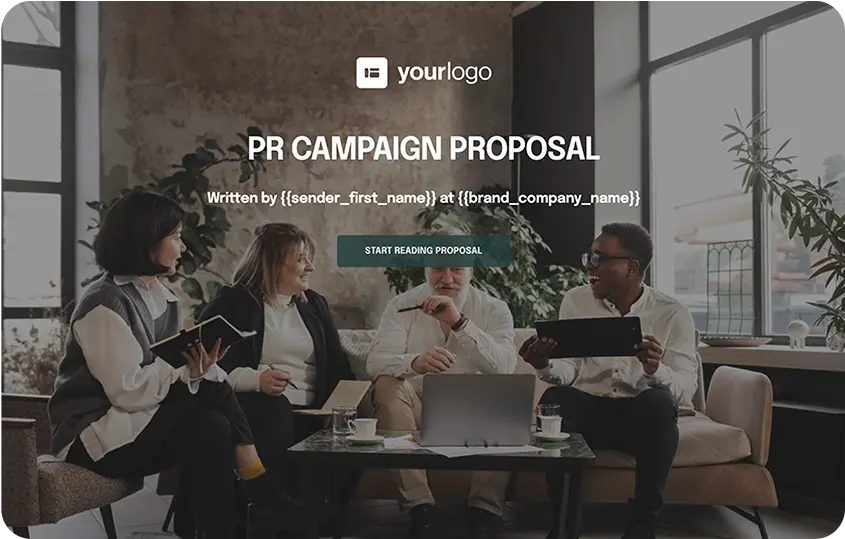
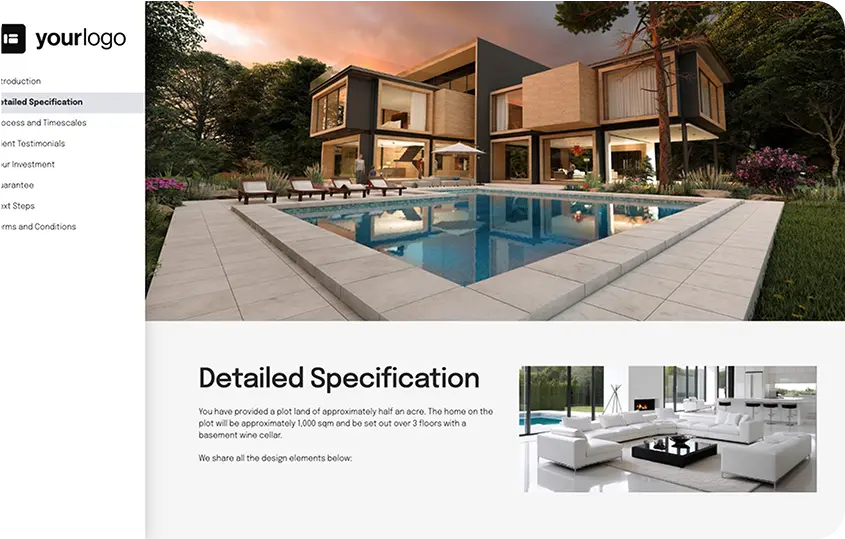
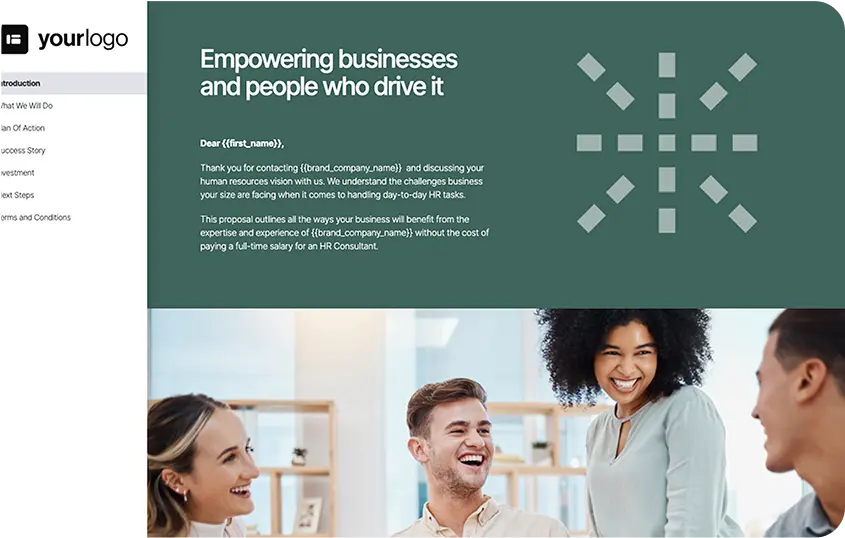
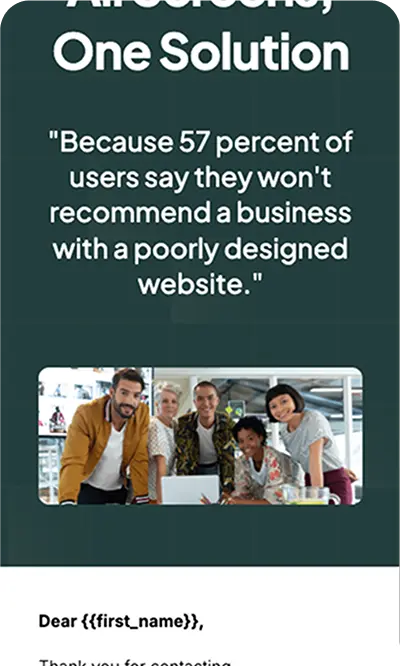
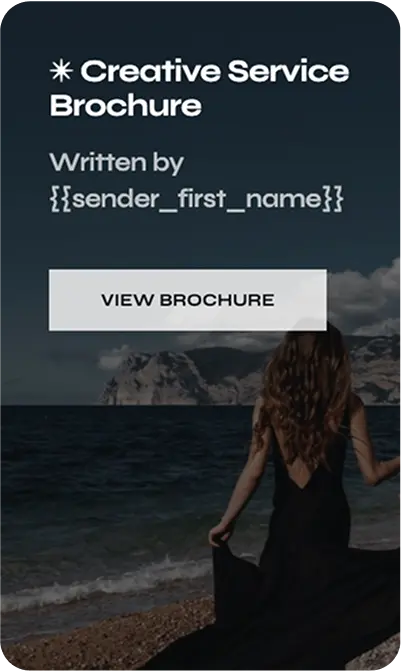
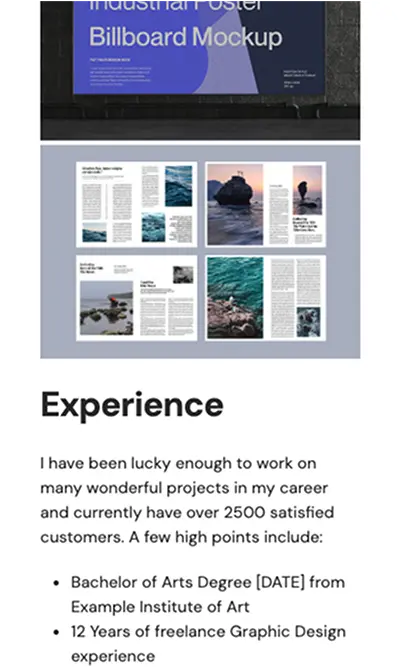
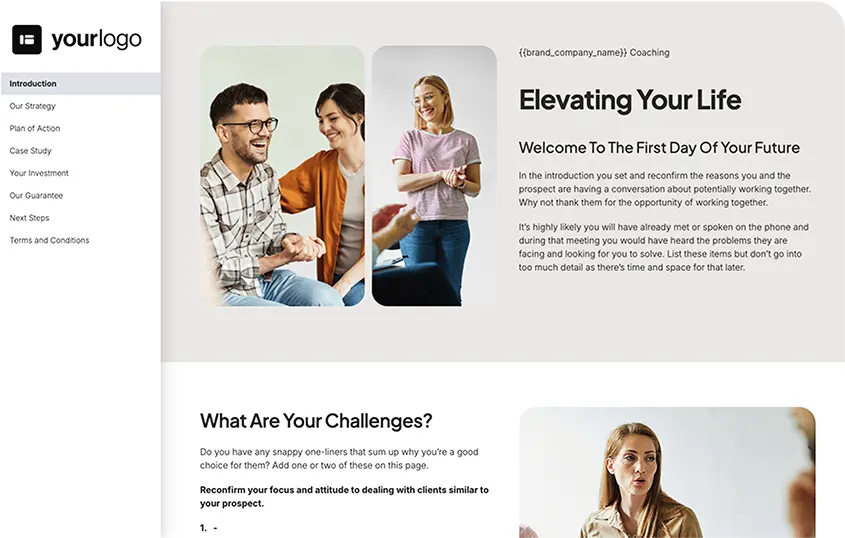
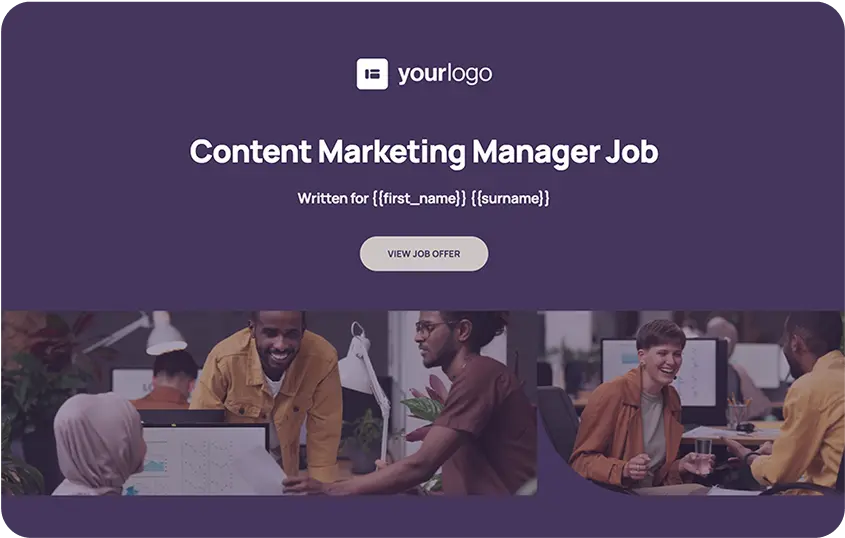
Start with how you send proposals today and where your deals slow down. If clients go quiet after you send, prioritize tracking and follow-up reminders. If they accept your proposal but take days to sign or pay, look for eSignatures and payments inside the proposal to minimize friction. If several people on your team send proposals, you need locked sections, manager approvals, and a shared content library so nobody sends outdated pricing or other important information.
Then check the practical details like whether it connects to the CRM you already use, how many documents each plan lets you send per month, and whether you can test it on a real proposal before you pay.
|
What to look for |
PDF or Word document |
Good proposal software |
|---|---|---|
|
Ready-made templates |
||
|
Ready-made templates |
Copy your last proposal and edit it manually |
Templates with scope, pricing, and terms already in place |
|
Client details filled in for you |
||
|
Client details filled in for you |
Retype or copy and paste each time |
Merge tags or CRM fields fill them in automatically |
|
Fixing a mistake after sending |
||
|
Fixing a mistake after sending |
Send a corrected version and hope your client opens the right one |
Edit the live proposal, and your client sees the change on the same link |
|
Knowing when your client opens it |
||
|
Knowing when your client opens it |
No way of knowing |
A notification when it's opened, forwarded, or signed |
|
What your client actually read |
||
|
What your client actually read |
No way of knowing |
Shows how much time is spent on each section |
|
Letting your client choose options |
||
|
Letting your client choose options |
Back-and-forth emails |
An interactive pricing table with optional extras |
|
Signing |
||
|
Signing |
Print, sign, and scan, or use a separate eSignature tool |
Legally binding eSignatures inside the proposal |
|
Getting paid |
||
|
Getting paid |
A separate invoice after signing |
A deposit or first payment taken when they sign |
|
Control over what your team sends |
||
|
Control over what your team sends |
Anyone can change anything |
Locked sections and manager approvals |
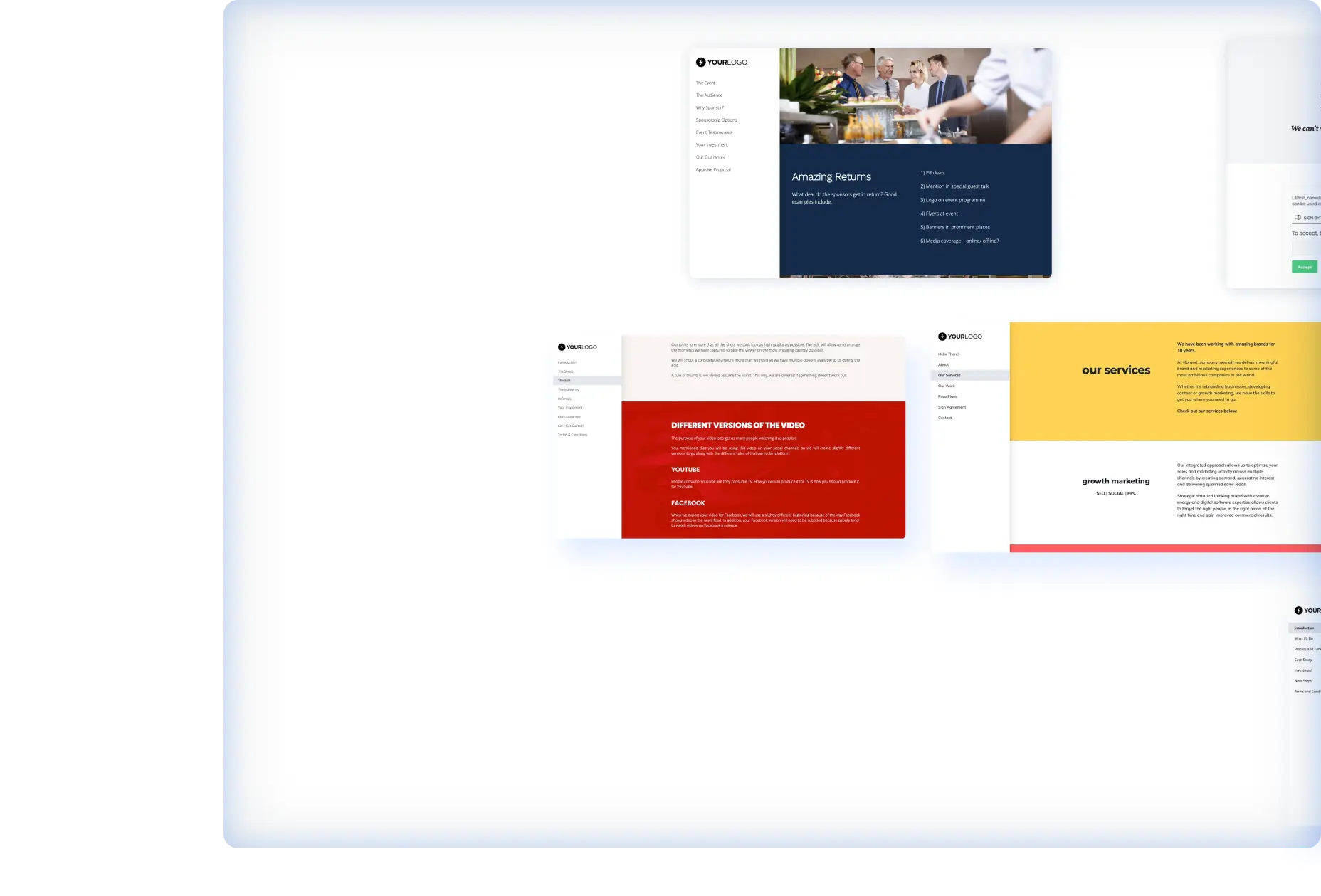
If you build each proposal from a copy of the last one, you're hunting down the current price list, retyping client details, and fixing the layout every time, and each of those steps is a chance to send something you didn't mean to. In Better Proposals, the structure, your approved content, and your client's details are ready before you write a single word.
Choose from more than 260 templates our team has written and designed for proposals, quotes, contracts, and more. Each one already includes the scope, timeline, pricing, and terms sections clients look for, which leaves you with the task of only filling in the specifics for your client, based on what you discussed with them.
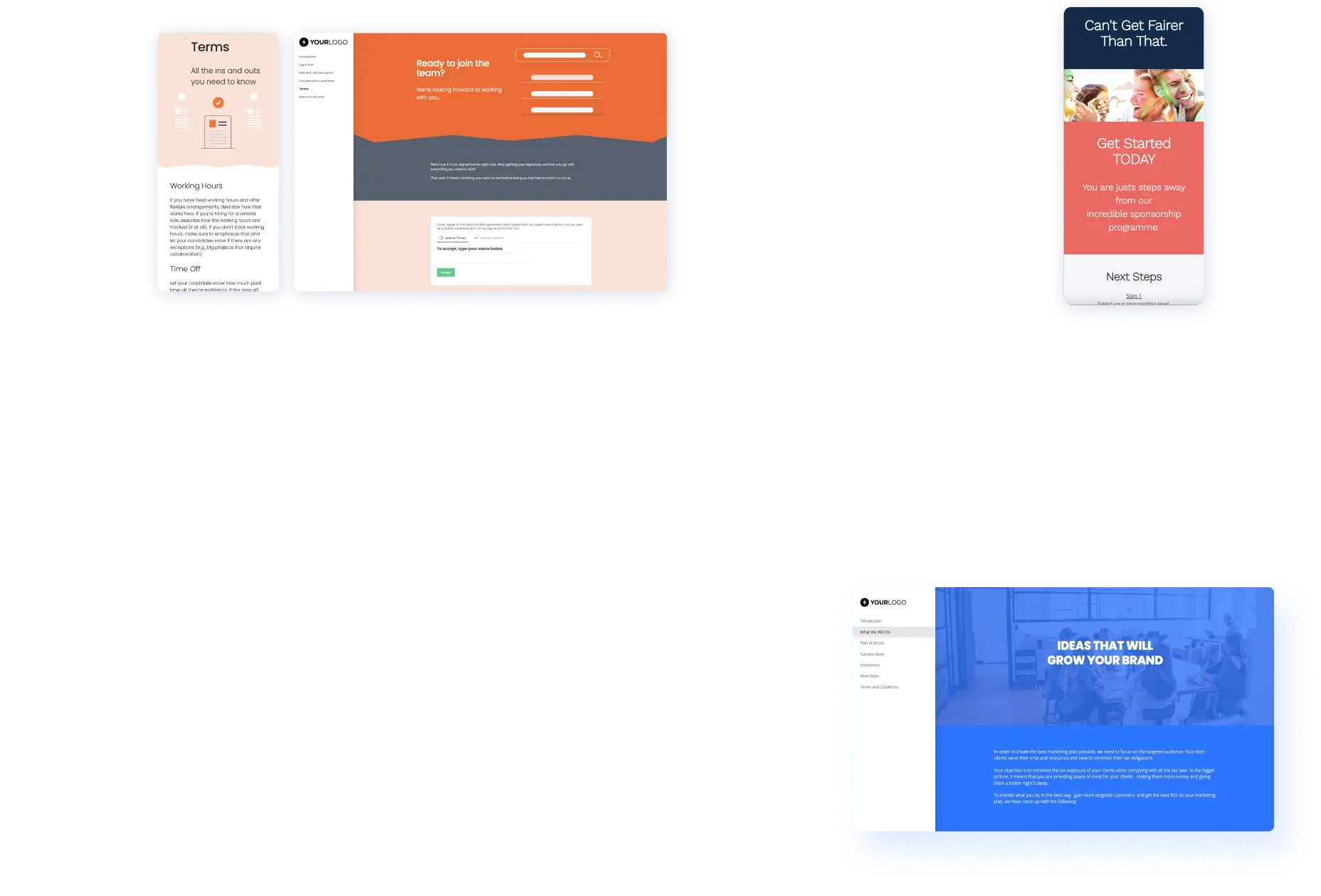
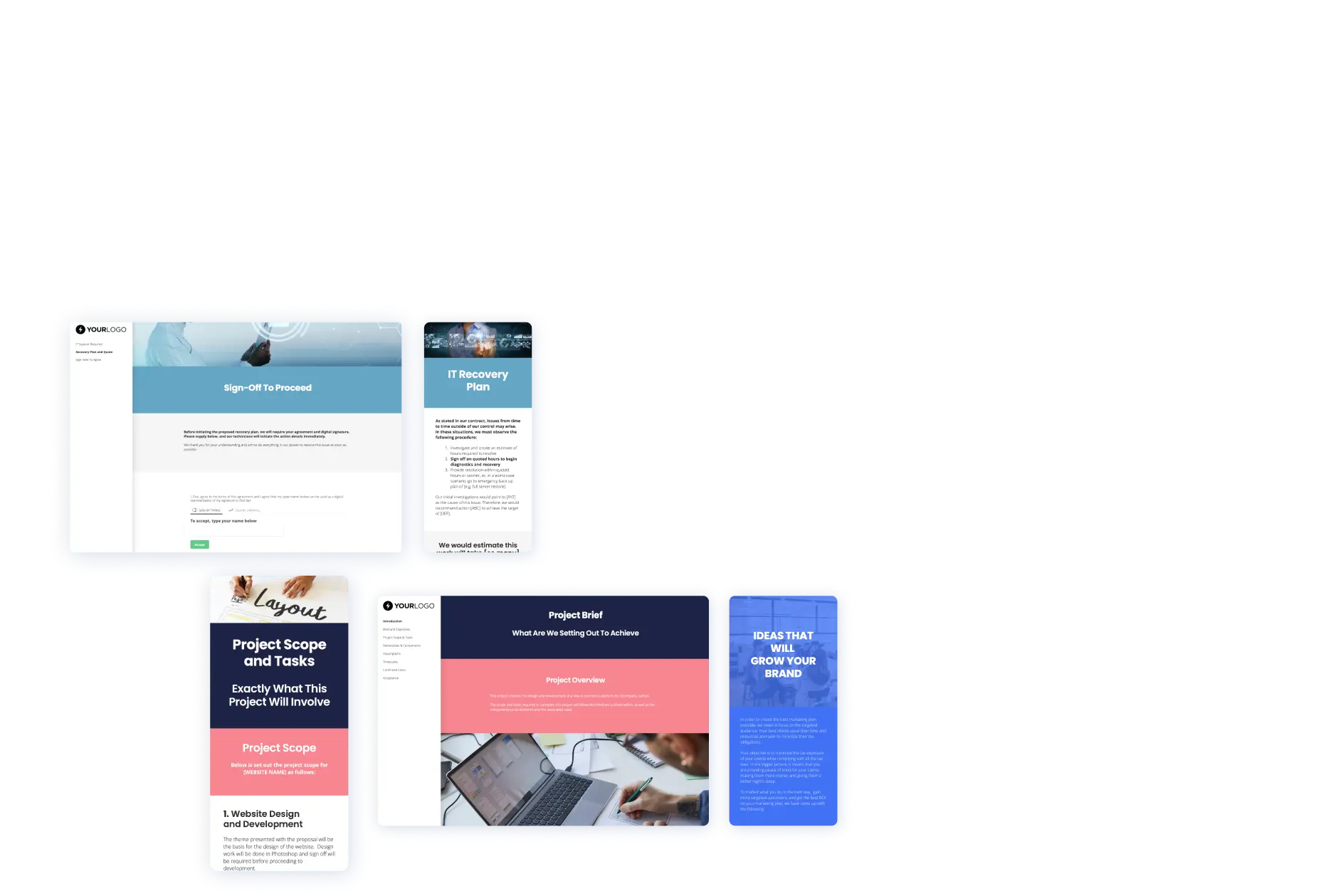
Save the sections you reuse, like your case studies, service descriptions, and current pricing, and easily pull them into any proposal you're working on. When your prices or services change, you update them once in the Content Library, and everyone on your team works from the new version from then on.
Sending a client an outdated price leaves you with two bad options: honoring a price that costs you money, or going back to admit the mistake and risk losing the job entirely. Keeping one central, up-to-date source for your whole team is a simple way to avoid both.
Merge tags are placeholders for details like your client's name, company, and email address. You add them to your template once, and Better Proposals fills them in with the right client's details every time you create a new proposal, so you never risk copying and pasting the wrong client's name from a previous proposal.
On our Premium and Enterprise plans, you can also connect HubSpot or Salesforce through our Advanced integrations and pull those details straight from the deal in your CRM.



Before you hit send, Document Checker reviews your proposal and suggests changes based on what has helped proposals in your industry get signed, so you can fix anything that might cost you the deal while it's still a draft. Document Checker is available on our Premium and Enterprise plans.
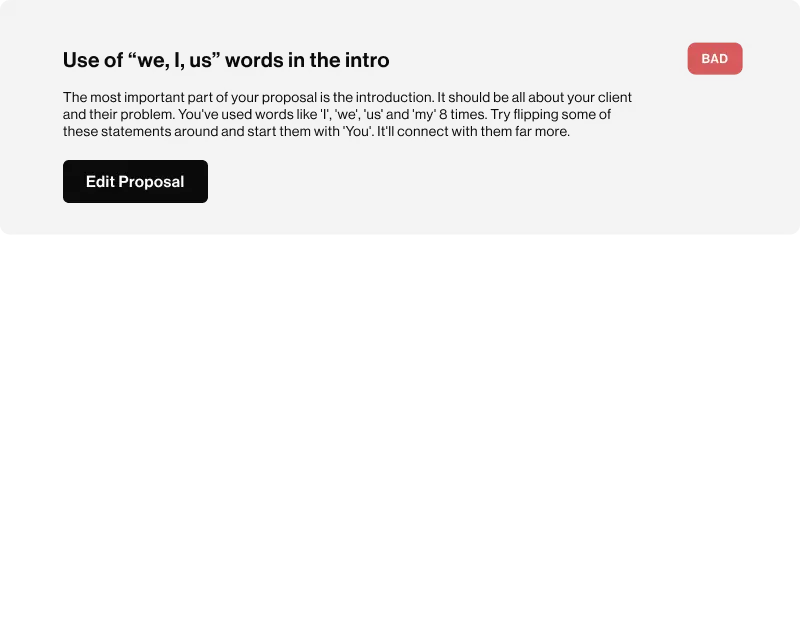
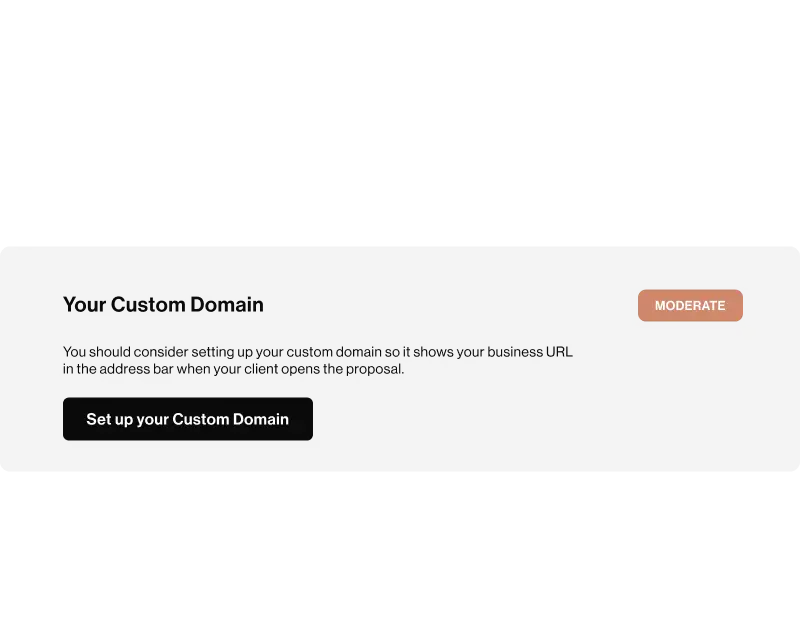
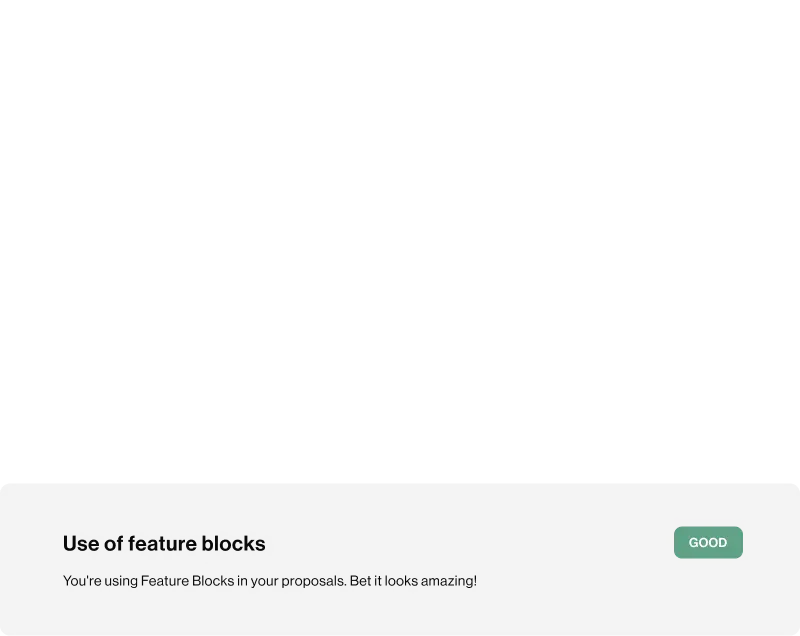
In our data, 32% of proposals that were sent once and left alone were signed, compared to 54% of proposals that were sent four or more times. Better Proposals tracks what your client does with your proposal, so you know when to follow up and, more importantly, what your follow-up should cover.
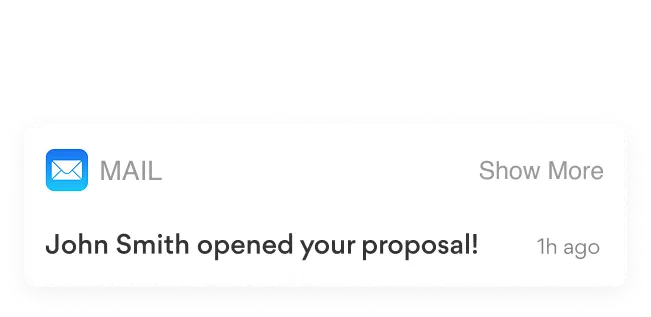
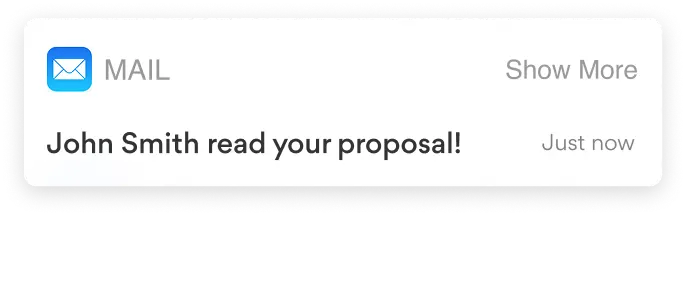
You get an email and an in-app notification when your client opens, forwards, downloads, or signs your proposal. If they forward it, someone else is probably involved in the decision, and that's worth knowing before you pick up the phone.
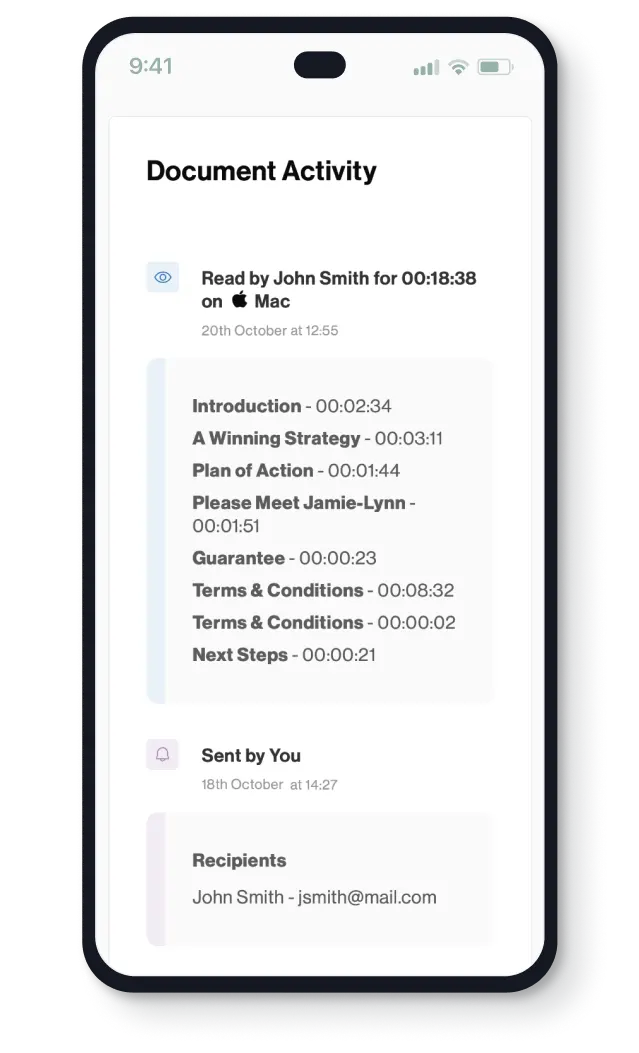
See how long your client spent on each section and which ones they never got to. If they spent ten minutes on your pricing and skipped the case studies, your follow-up call should start with the price.
We're all human, and following up is often the first thing to slip when you're busy with client work. The longer a proposal sits without a follow-up, the more time a competitor has to get their own quote signed.
Nudge sorts your sent proposals into the follow-ups due today, the ones due tomorrow, and the ones that are overdue, so the second touch that lifts your chances happens on time rather than whenever you remember. It's an optional extra for $10 per user per month, which costs a lot less than losing a single deal because a follow-up was forgotten.



Once your client has decided, every extra step between them and the signature gives the deal another chance to stall, whether that's a separate contract to sign, an invoice to wait for, or bank details to copy into their banking app. With Better Proposals, your client picks their options, signs, and pays on the same page they've been reading.
When choosing, signing, and paying all happen in one place, there's nothing to slow your client down between saying yes and paying you, and the whole process feels as professional as the proposal that started it.

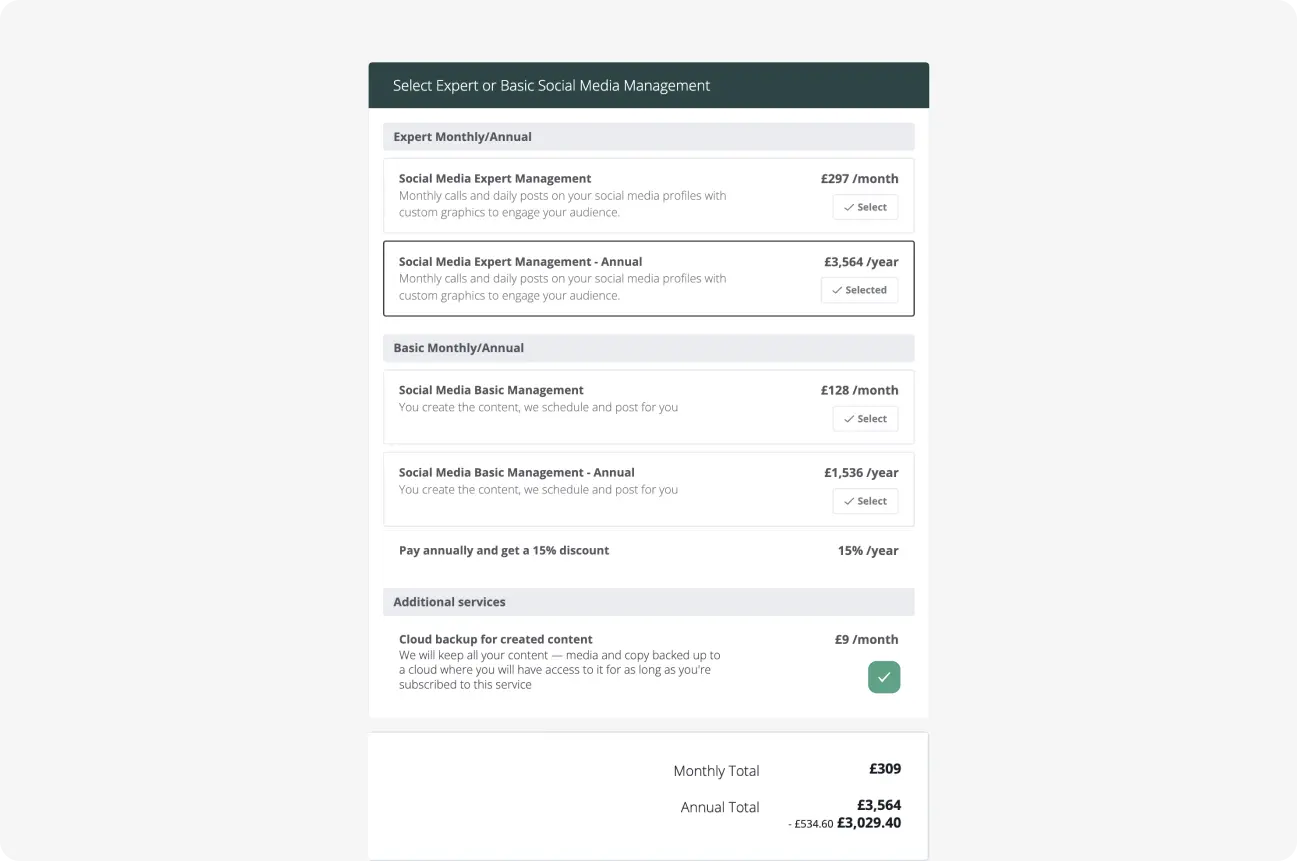

Add optional extras and packages to your pricing table, and your client can choose what they want while the totals, discounts, and VAT update as they go.
Clients sign by typing or drawing their name on any device, and every signature is legally binding under US and EU electronic signature laws. Need a countersignature or several signers in a set order? Our Premium and Enterprise plans let you add everyone who needs to sign as a recipient and choose the order they sign in.




Connect your payment provider and ask for a deposit, the full amount, or the first monthly payment as part of the signing process. Your client signs and pays in one go, so you can skip the invoices and payment reminders and get started on the work you were hired to do.
67%
of signed proposals that request a payment get paid.
40%
of proposals are first opened on a phone.
76%
of payments arrive within 10 minutes of signing.
Calculated from 367,950 proposals, quotes and contracts sent through Better Proposals in 2025, by senders in 95 countries.
Source: Better Proposals platform data.
Our proposal automation software allows you to integrate with HubSpot and Salesforce Advanced, other CRMs, Zapier, API, project management, and live chat. Pull contact details in from your CRM, keep your deal stages up to date without updating them by hand, and connect the rest of your tools through Zapier or our API. These integrations are available on our Premium and Enterprise plans.





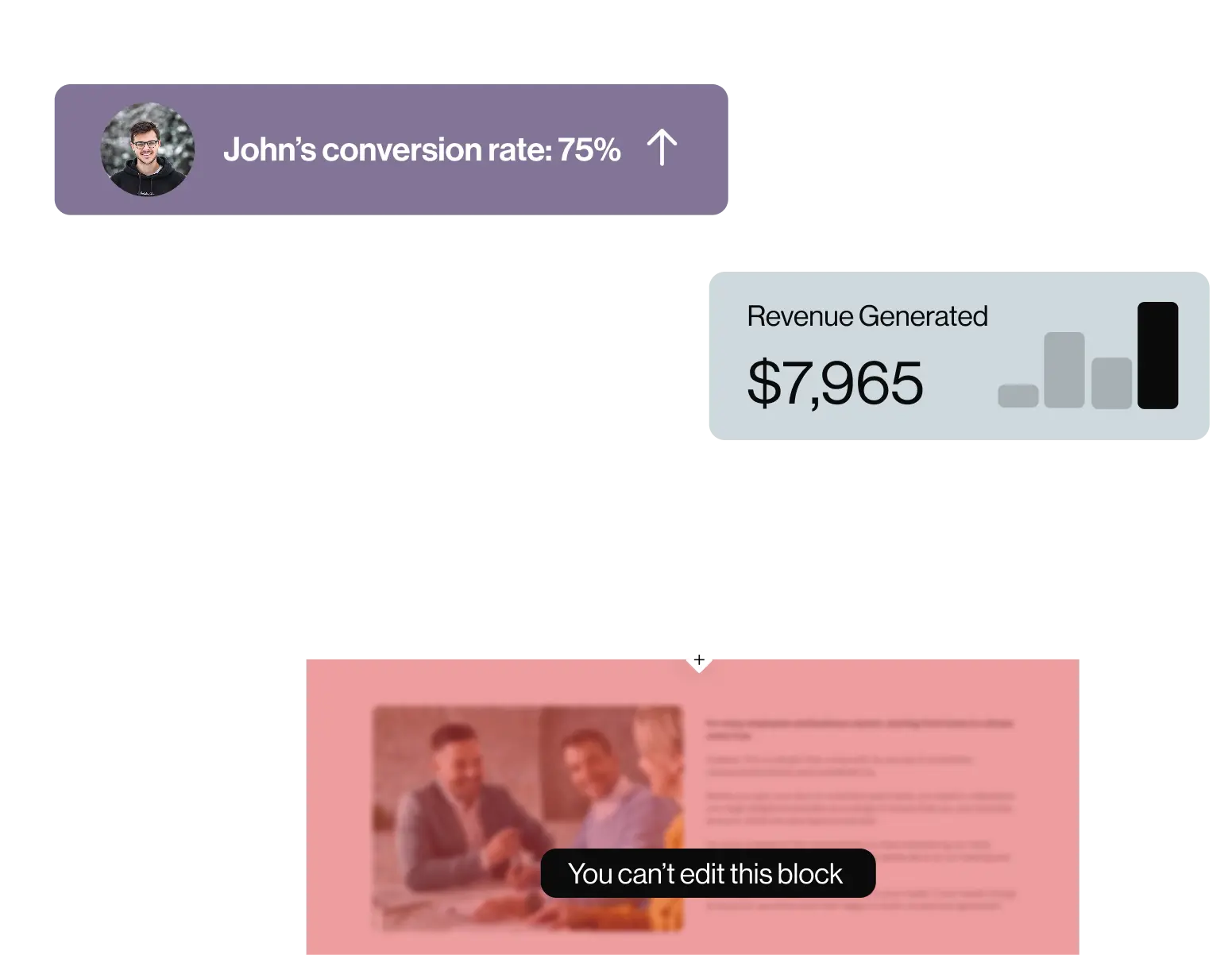
The more reps you have sending proposals, the more chances there are for someone to change your terms or offer a discount nobody approved. Use Better Proposals as your proposal management software to lock the sections reps shouldn't edit and have a manager approve each proposal before it reaches a client. Team reports then show how many proposals each rep sends and signs, and which templates convert best.
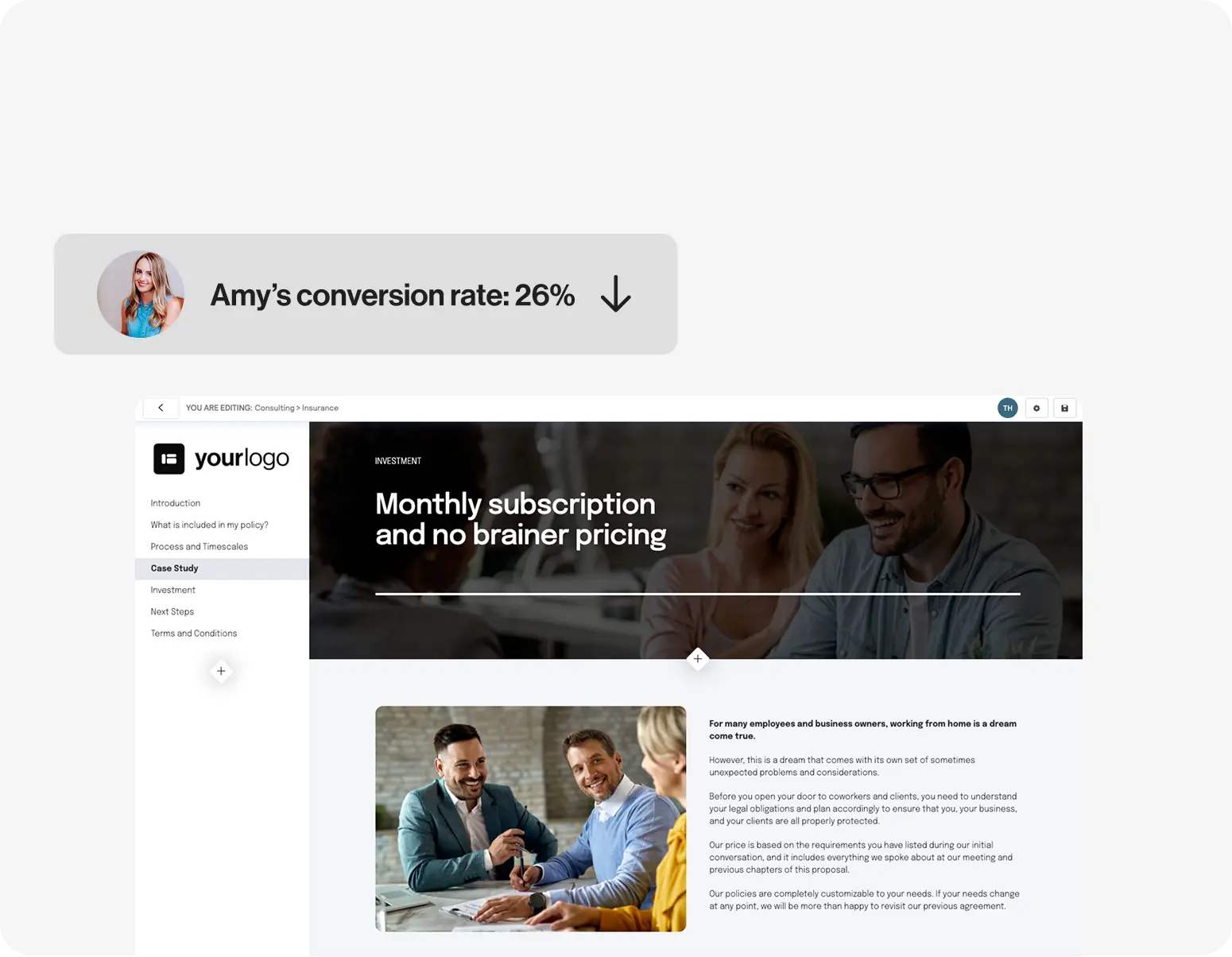

Marketing teams put a lot of work into brand guidelines, and a proposal with an old logo or the wrong font undoes that work in front of a client. Set your logo, colors, and fonts once and Better Proposals applies them to every document your team sends, and if you run more than one brand, you can set each one up in the same account.
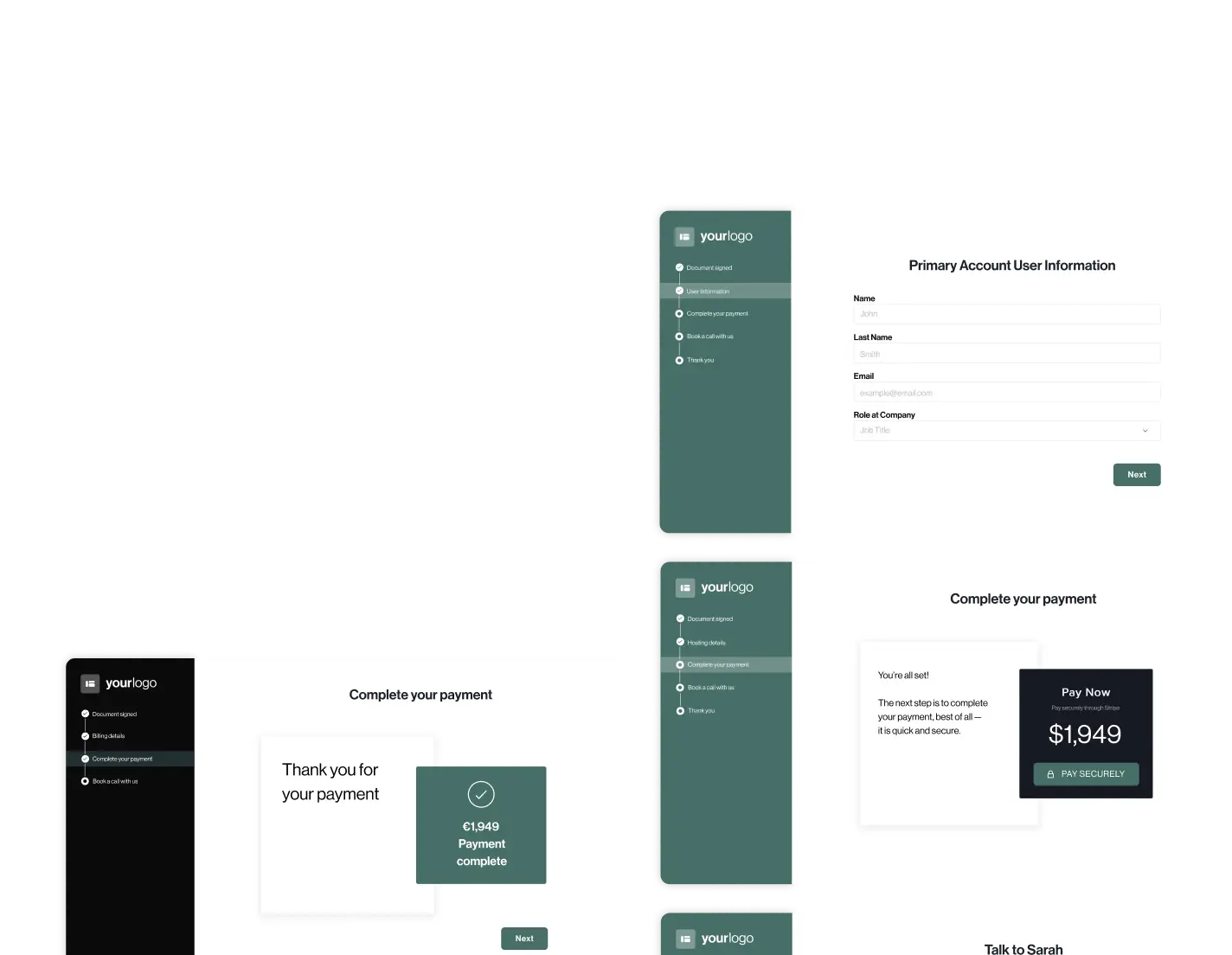
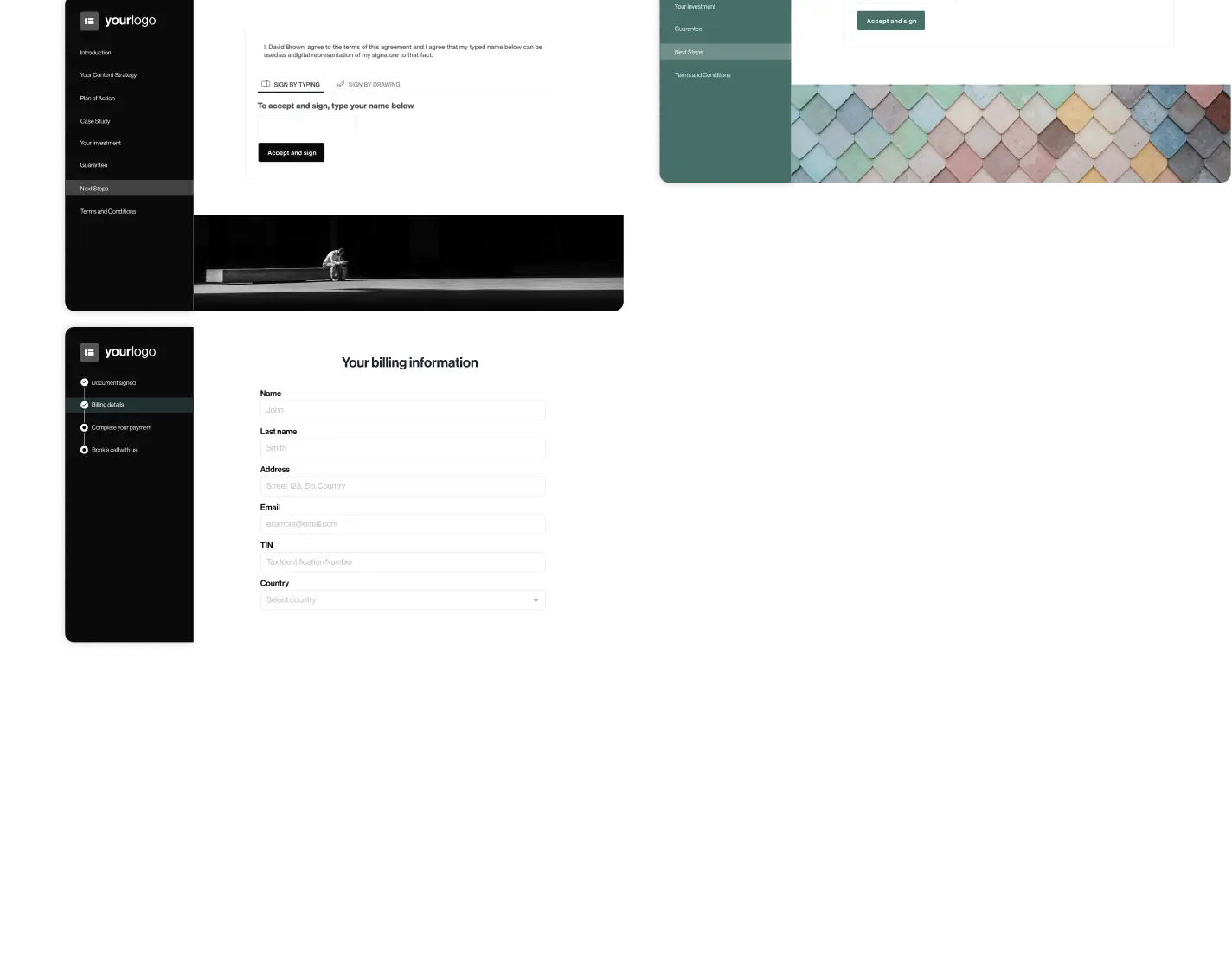
As soon as a client signs, you can take them straight into an onboarding flow where they fill in your project questionnaire and book the kickoff call, so your team has the brief and a start date before anyone has sent an email.

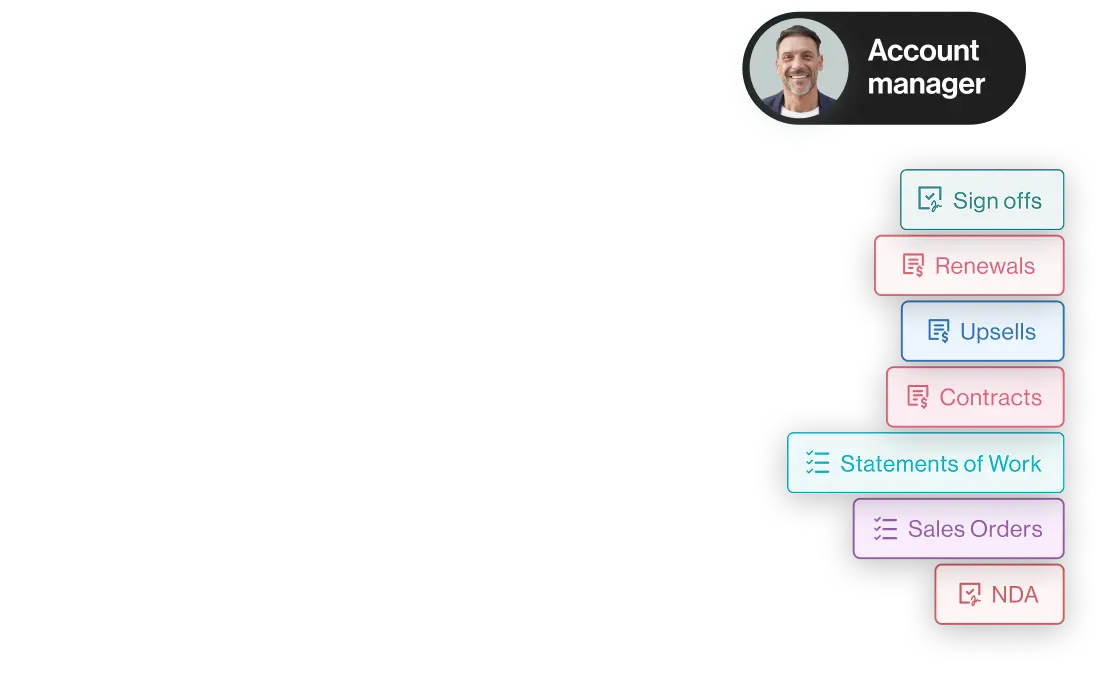
Account managers send far more than just proposals, from renewals and upsells to statements of work and sign-offs at the end of each project phase. Send all of them from Better Proposals with the same templates and tracking, and get the sign-off on one phase before your team starts the next.
Every plan includes legally binding eSignatures, payments, analytics, and unlimited templates, and you can move up or down a plan whenever your team changes.
Plan
Billed monthly
Billed annually
Users
Documents
Best for
Starter
$19 per month
$13 per month
1
Up to 10 monthly
For freelancers and solo business owners
Premium
$29 per user per month
$21 per user per month
Unlimited
Up to 50 monthly
For small businesses that want CRM integrations, a custom domain, Document Checker, and onboarding flows
Enterprise
$49 per user per month
$42 per user per month
Unlimited
Unlimited
For sales teams who need content locking, manager approvals, and user permissions
Nudge is an optional extra for $10 per user per month.
One of the things our customers love most about us is our amazing customer support team which is available 24/7.
What’s cooler than 24/7 support?
The fact that you will only ever speak to a human being, and they’re pretty clued up so will help you no matter where you’re stuck.
Our support is available on all plans.

Hi, I need some help!
Hey Sarah, can you tell me a little more about what you need?

Once you send a PDF, you can't see whether your client opened it, you can't fix anything in it, and your client has to sign and pay somewhere else. Most proposal software sends your proposal as a link to a web page instead. With Better Proposals, you're notified when your client opens it, you can update it after sending, and your client can sign and pay on the same page.
Yes. Better Proposals sends you an email and an in-app notification when your client opens, forwards, downloads, or signs your proposal. It also shows how long they spent on each section, so you know what to cover when you follow up.
Half of signed proposals on Better Proposals are signed within 2.8 days of being sent. Bigger deals take longer, so if you're quoting a large project, expect more people to be involved and allow more time before you follow up again.
Follow up within one to two days of sending. In Better Proposals data, 81% of the proposals that get opened at all are opened within a day of being sent. If yours hasn't been opened by then, resend it or check it reached the right person. If it has been opened but there's no decision, look at which sections your client spent time on and start your follow-up there.
Many proposal tools connect to CRMs like HubSpot and Salesforce, though often only on their higher plans. On our Premium and Enterprise plans, Better Proposals pulls client details from your CRM into your proposal and updates your deal stages when a proposal is opened or signed. You can connect other tools through Zapier or our API.
Yes. The Document Importer brings in your Word documents in a few clicks, and if you'd rather leave it to us, our design team can rebuild your template from $1,495. If you're moving from another tool, our comparison pages with PandaDoc and Proposify cover what changes when you switch.
Only if you want them to. On our Premium and Enterprise plans, you can remove our badge and send from your own custom domain, so every document looks like it came straight from you.
